
where traders become legends.
Execute buy orders faster with FomoSnipe, built for quick and seamless trade entries.
Show your bookmarks bar, then drag the Activate button onto it.
Open Fomo in your browser like you normally would.
Click the FomoSnipe bookmark to activate one-click buys on that tab.
never miss out again
FomoSnipe enhances your existing Fomo workflow with faster, lower-latency trade execution — with no installation or browser extension required
Fast Buy Execution
Click the bookmark once and FomoSnipe works directly with your open Fomo tab to make buy and sell execution faster.
Quick Trades and Scalp
Designed for fast entries, exits, and scalps when you need to execute without unnecessary delay.
Zero Install
It's just a bookmark, no browser extension, no store review, and no permissions to grant.
trade from anywhere.
never lose a beat. Open Fomo on desktop, activate FomoSnipe, and execute the second the setup prints.
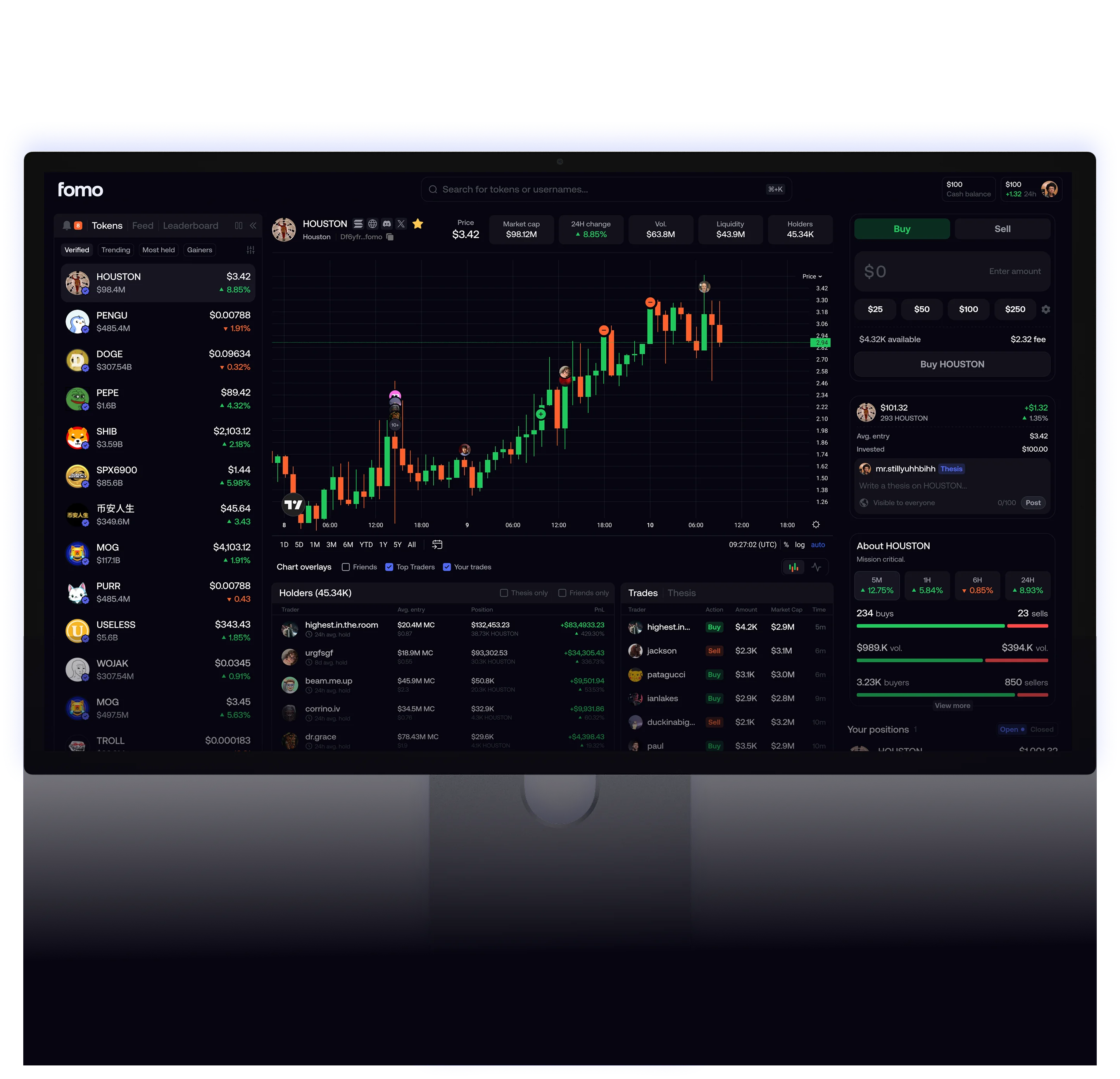

NOW AVAILABLE ON WEB
Pair the web terminal with FomoSnipe bookmark for the fastest path from signal to filled buy.
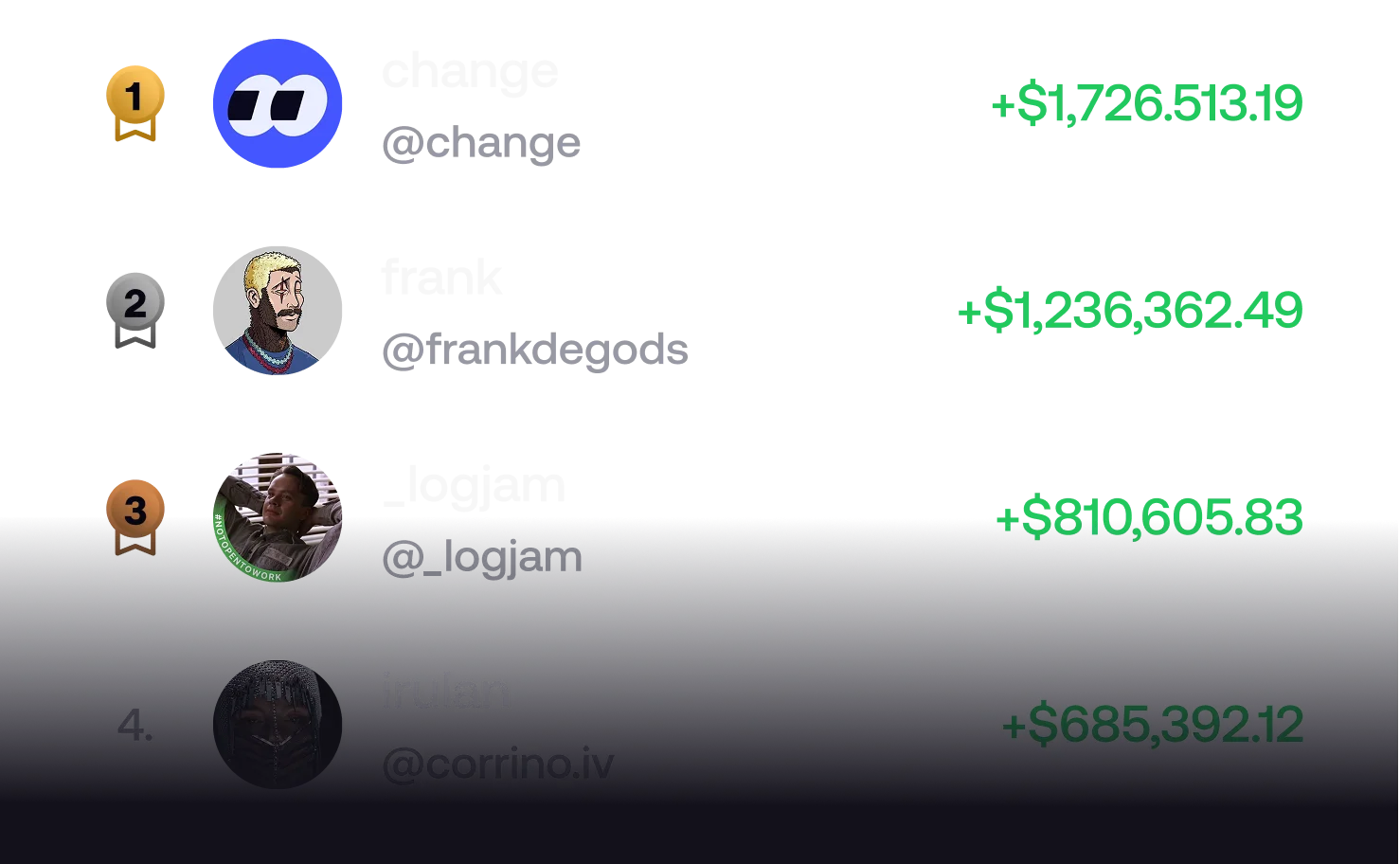
become a legend, top the board
FomoSnipe is built for the same traders chasing leaderboard, feed, and real-time alerts — just with faster fingers on the buy button.
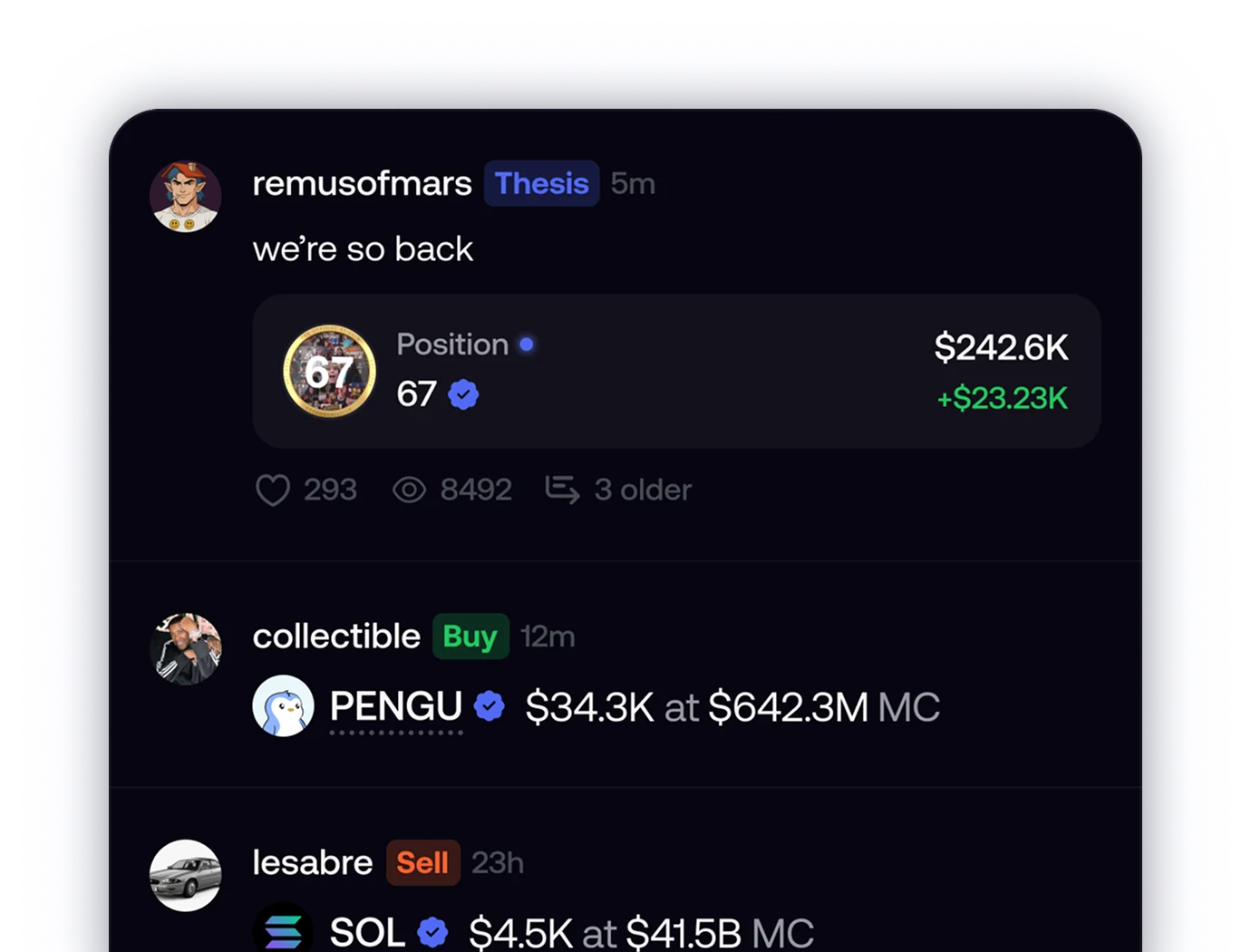
discover what the best are buying
When the feed moves, you move. Activate once, keep the overlay ready, execute without friction.
execution modes
What FomoSnipe enables once the bookmark is active on your Fomo tab.